More control over student use
Set clear boundaries and gain better insight into AI use.
Date: 2026-08-28
Category: News
The new school year has begun. During the summer holidays, we worked on new features to better set boundaries for and guide students’ use of AI.
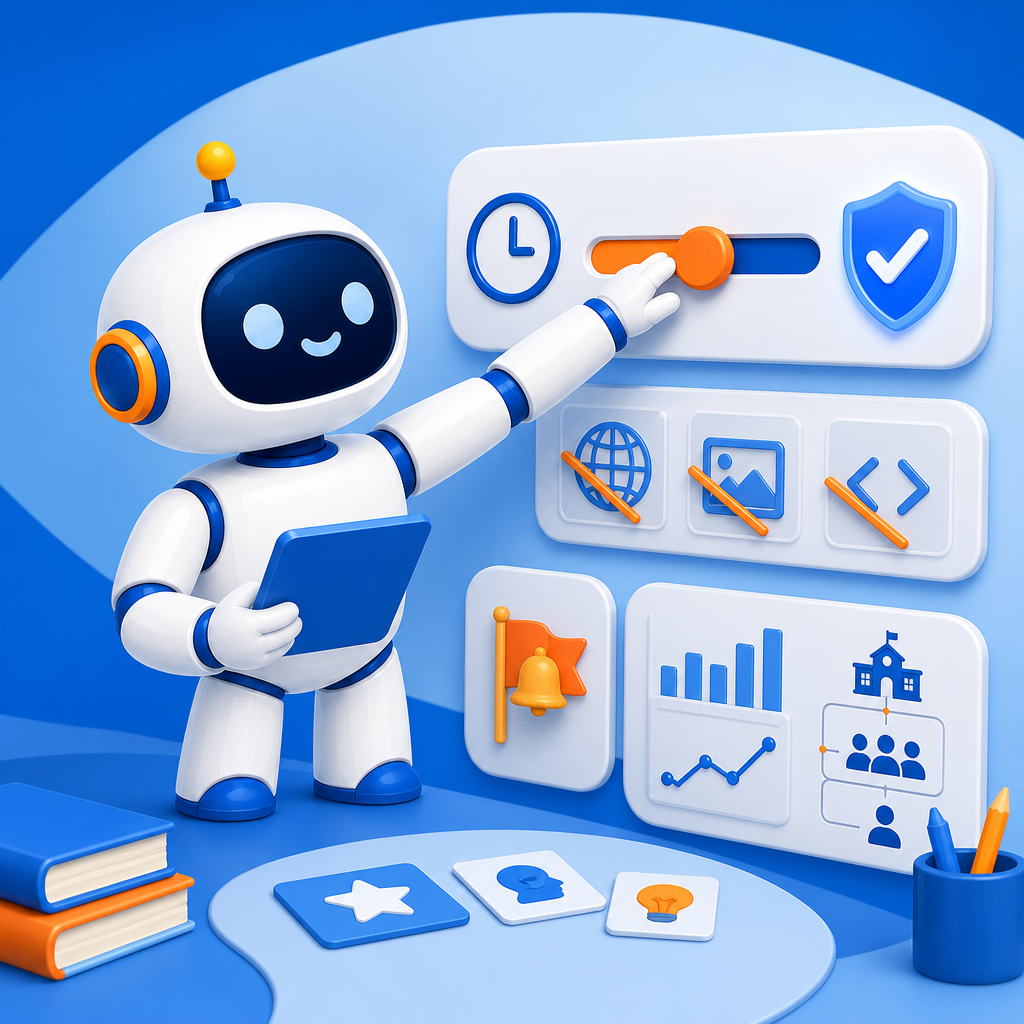
Would you also like to use AI-School with students this school year, or use it more often? With the AI policy, you can determine when students have access to AI and which chat features are available. For example, you can block access, open it temporarily for a supervised lesson, or restrict features such as internet access, images and code execution. You can also limit the number of interactions or messages in a conversation.
Settings can be tailored to the situation of the school, group or individual student. Within the school’s framework, a teacher can set additional restrictions for a group or student without relaxing the existing safety agreements.
You can also use signal words and topic alerts to monitor conversations that may require additional attention. The weekly AI reports then provide insight into the number of conversations, frequently discussed topics and signals per school, group or student. These reports are intended to help identify patterns and support conversations about safe and responsible AI use — not to assess a student.
This gives students room to learn with AI, while teachers and school teams retain control over the relevant agreements.
Review the AI policy and safety settings before working with students, so that usage aligns with your learning objectives and school agreements.