Managing Schools
After the basic environment setup, schools must first be added.
Manual Addition
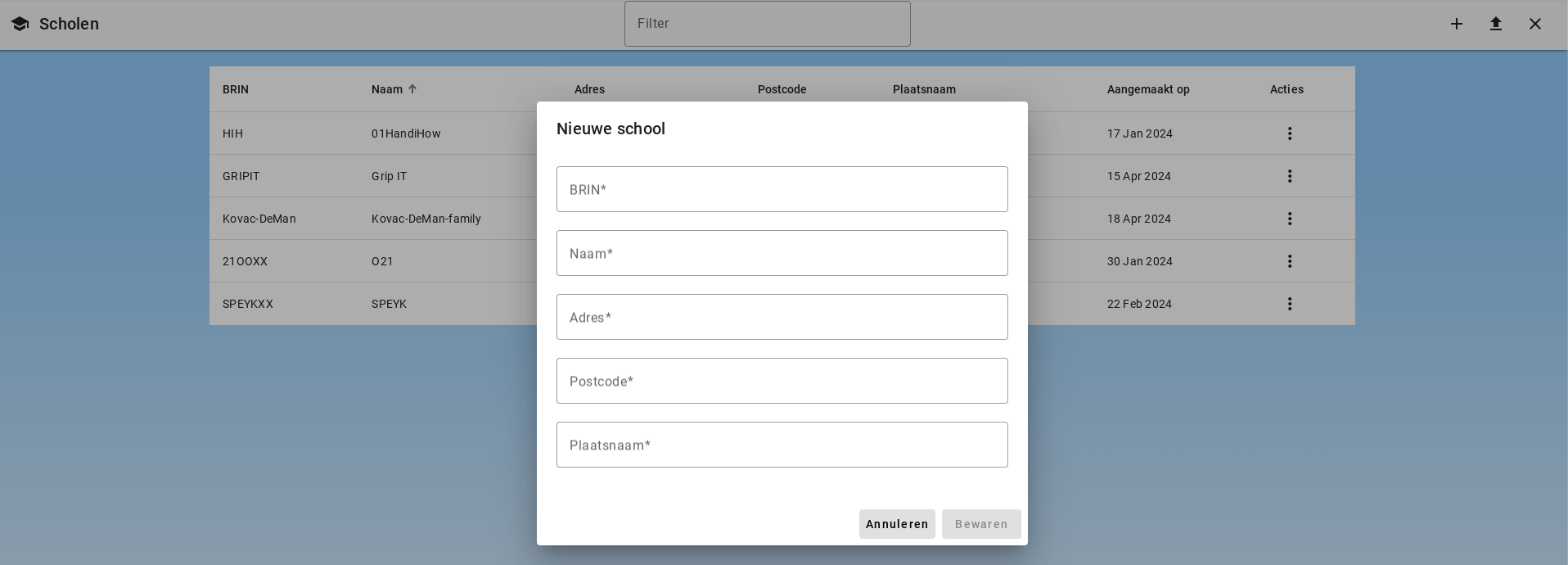
The administrator can add schools one by one using the plus button in the toolbar.
Adding Schools via CSV File
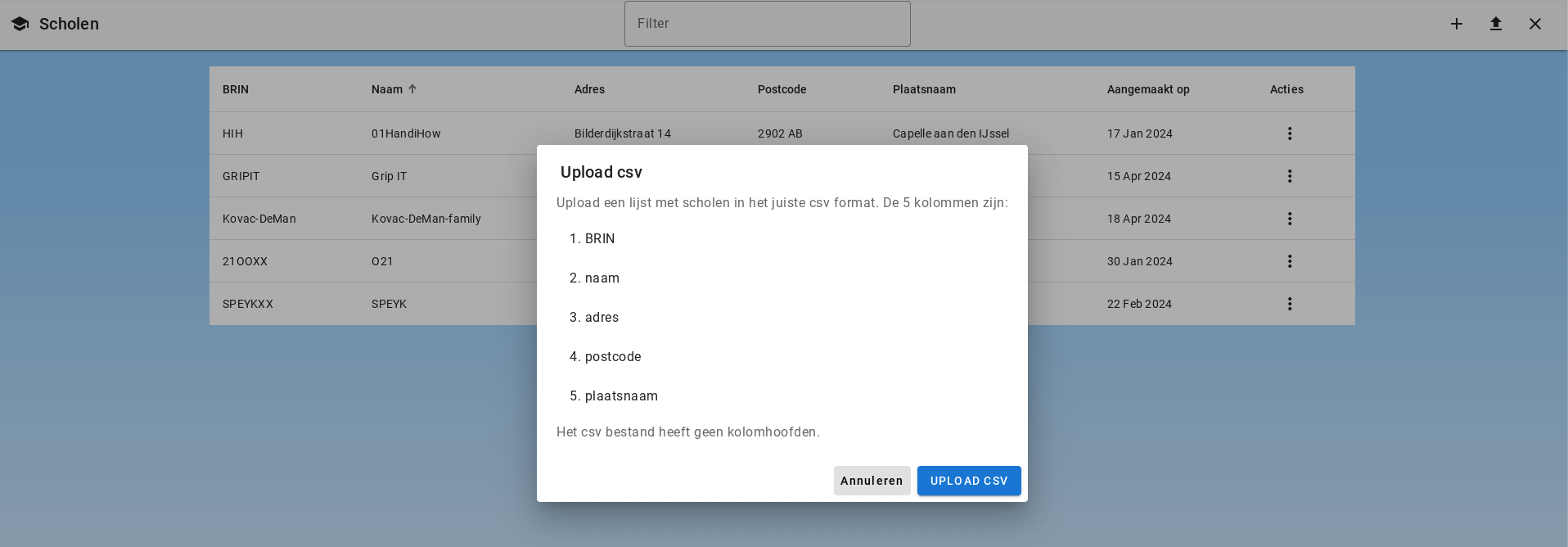
Schools can be uploaded via a CSV list. The list must have 5 columns for BRIN, name, address, postal code, and city. The list must not contain column headers.
Importing schools from DUO
Super Admins see the Add schools via DUO button at the top right. Importing requires the customer to be linked to a DUO school board. Select the schools you want to add and confirm the import. Schools whose BRIN number already exists in the environment are not offered again. The subscription's maximum number of schools still applies.
Editing a School
The school can be edited by clicking "Edit" under Actions.
Adding Departments
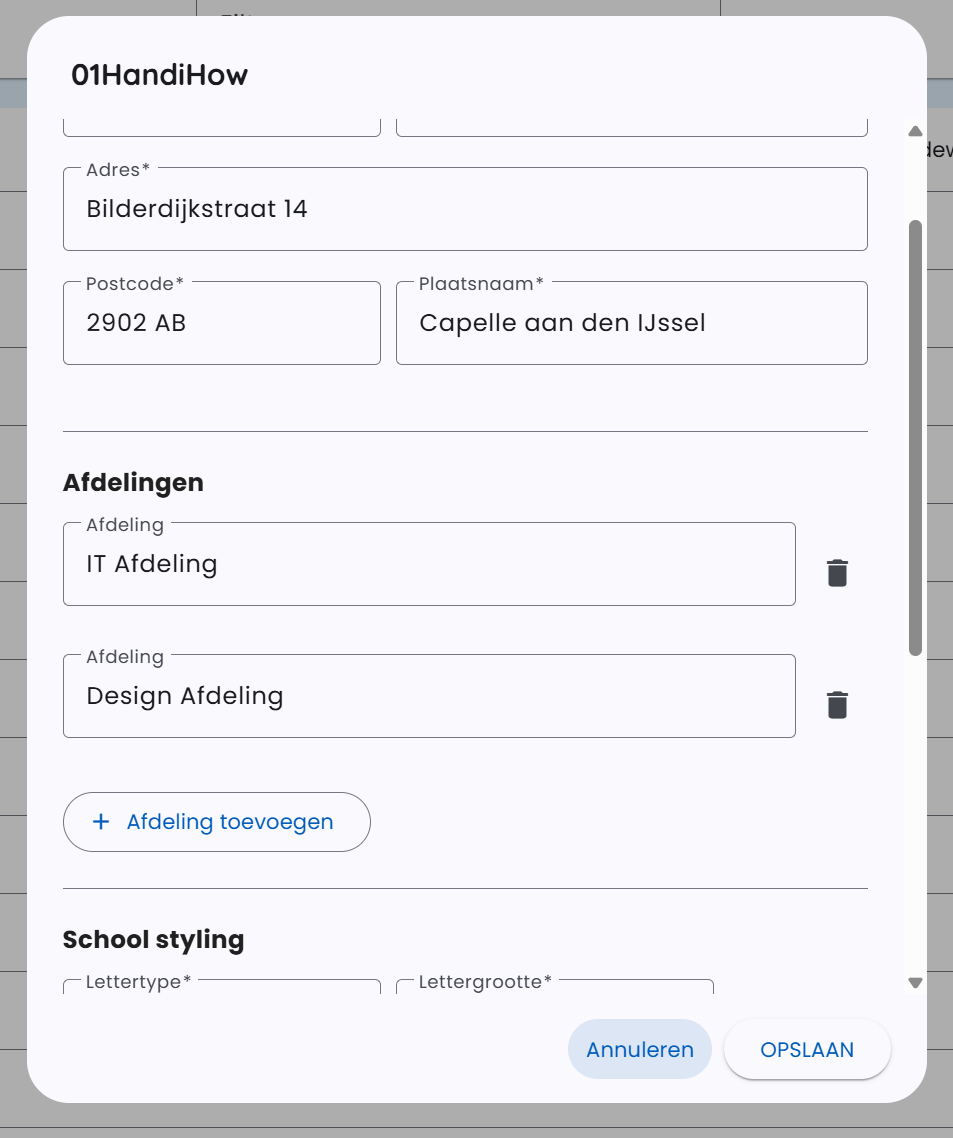
As an administrator, you can create departments for the school. These departments can be used to organize colleagues, allowing you to share assistants with an entire department instead of individual employees.
Customizing Logo and Font
You can change the school's logo and font. These settings are used when exporting documents, such as transcriptions and other generated files.
Deleting a School
The school can be deleted by clicking "Delete School" under Actions.