Managing Subjects
After adding schools, subjects must be added.
Manual Addition
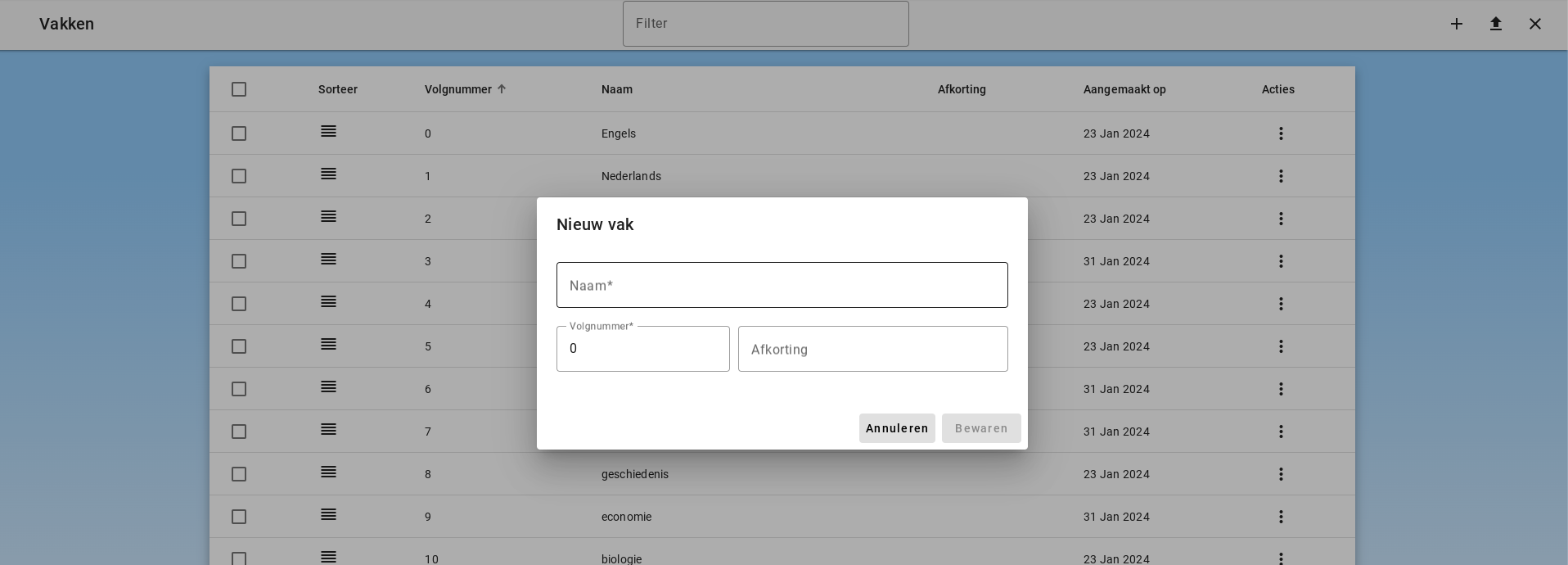
The administrator can add subjects one by one using the plus button in the toolbar.
Adding Subjects via CSV File
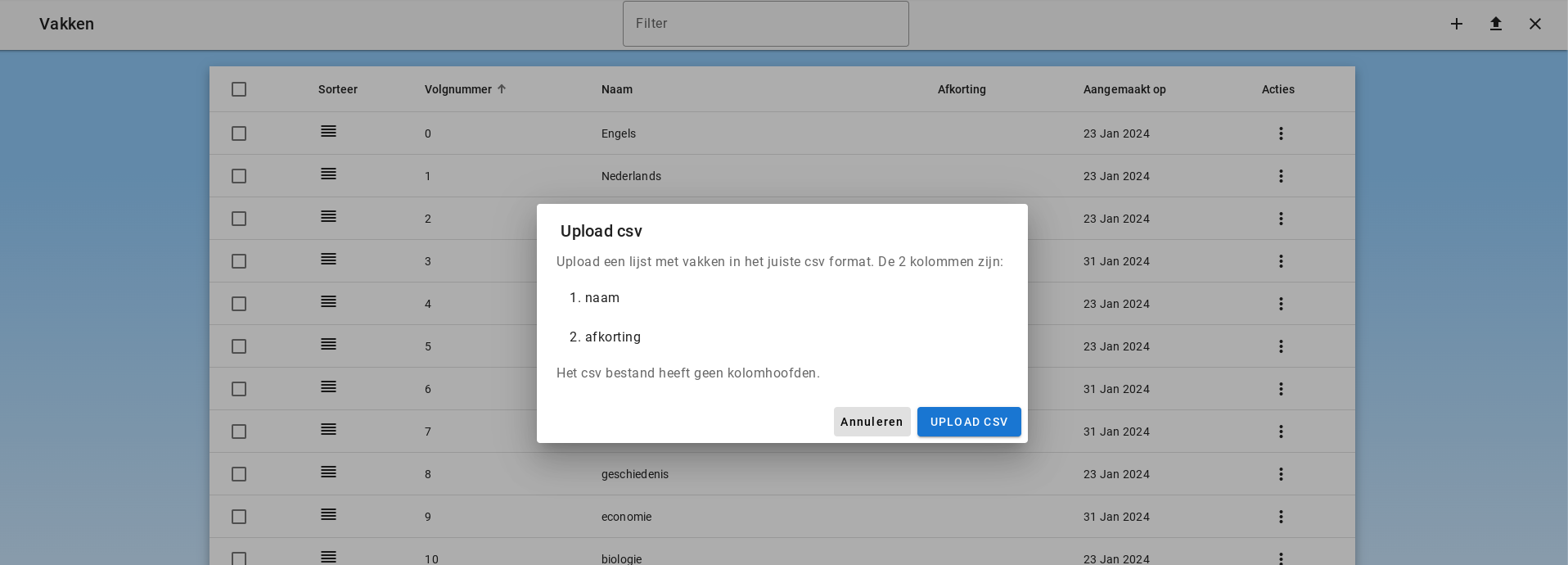
Subjects can be uploaded via a CSV list. The list must have 2 columns for name and abbreviation. The list may not contain column headers.
Editing a Subject
The subject can be edited by clicking "Edit" under Actions.
Subjects are loaded in the app in the order of the list. This list can be sorted differently by dragging a row in the sorting column.
Deleting a Subject
The subject can be deleted by clicking "Delete Subject" under Actions.