Dedicated models for students
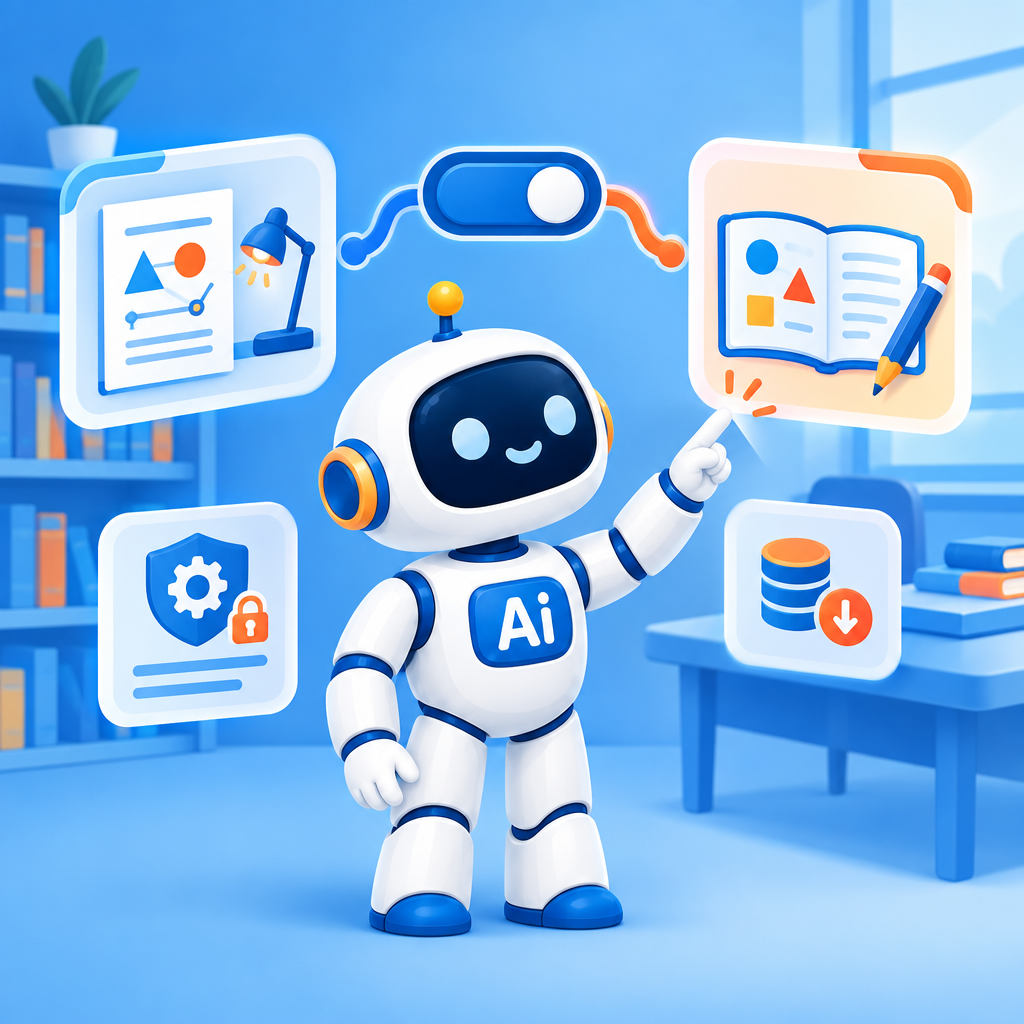
Set different AI models for students than for staff.
Date: 2026-09-29
Category: News
In AI-School, you can now configure different AI models for students than for staff. This makes it easier to tailor the model selection to the different groups within the school.
You can find this setting in the Administration environment under AI settings, followed by Models. Students normally inherit the general model settings, but administrators can select specific models for students here.
This is useful, for example, when staff need a more advanced model for lesson planning, documents, or complex questions, while students can work effectively on assignments and exercises with a different, more cost-efficient option.
This gives the school greater control over the use of AI models and costs, without requiring everyone to use the same model selection.
Check the model settings for students in the Administration environment and choose what best suits your educational practice.
