From lesson to printable worksheet
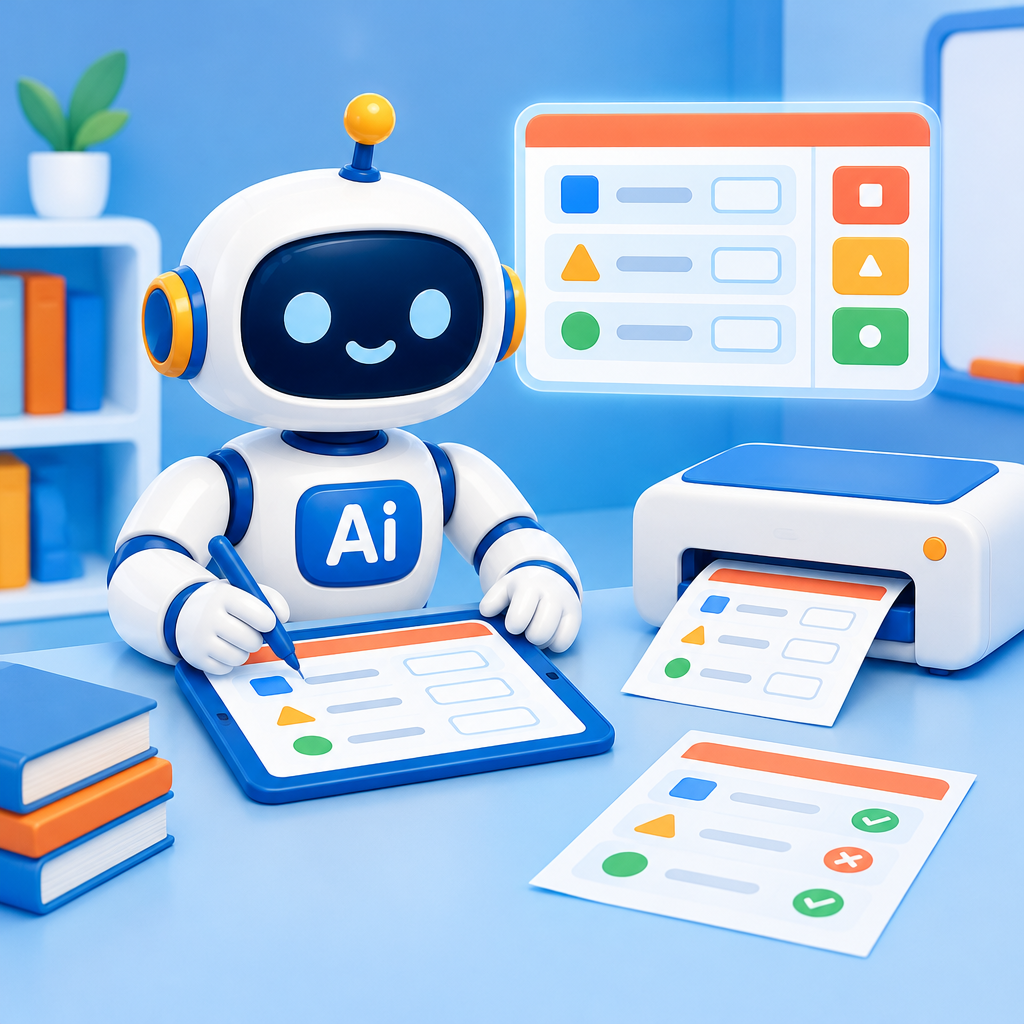
As a teacher, create a worksheet with a separate answer sheet in your school’s style.
Date: 2026-11-12
Category: News
You can now create a printable worksheet with a separate answer sheet for a lesson in AI-School. You can do this with or without AI, turning a lesson into material you can also use on paper in the classroom.
For the lesson, select View and customize worksheet. You can edit the worksheet yourself or use Edit worksheet with AI to make changes.
Then download the worksheet and its answer sheet as two separate PDFs. Both feature your school’s logo and colors. Print the worksheet for the class, and keep the answer sheet handy for marking or discussing the work.
This feature is only available to teachers, not students. Students won’t see a lesson that consists only of a worksheet in the app.
Try it with a lesson, or get started from the dashboard by selecting Create a lesson with AI.