More possibilities in the desktop app
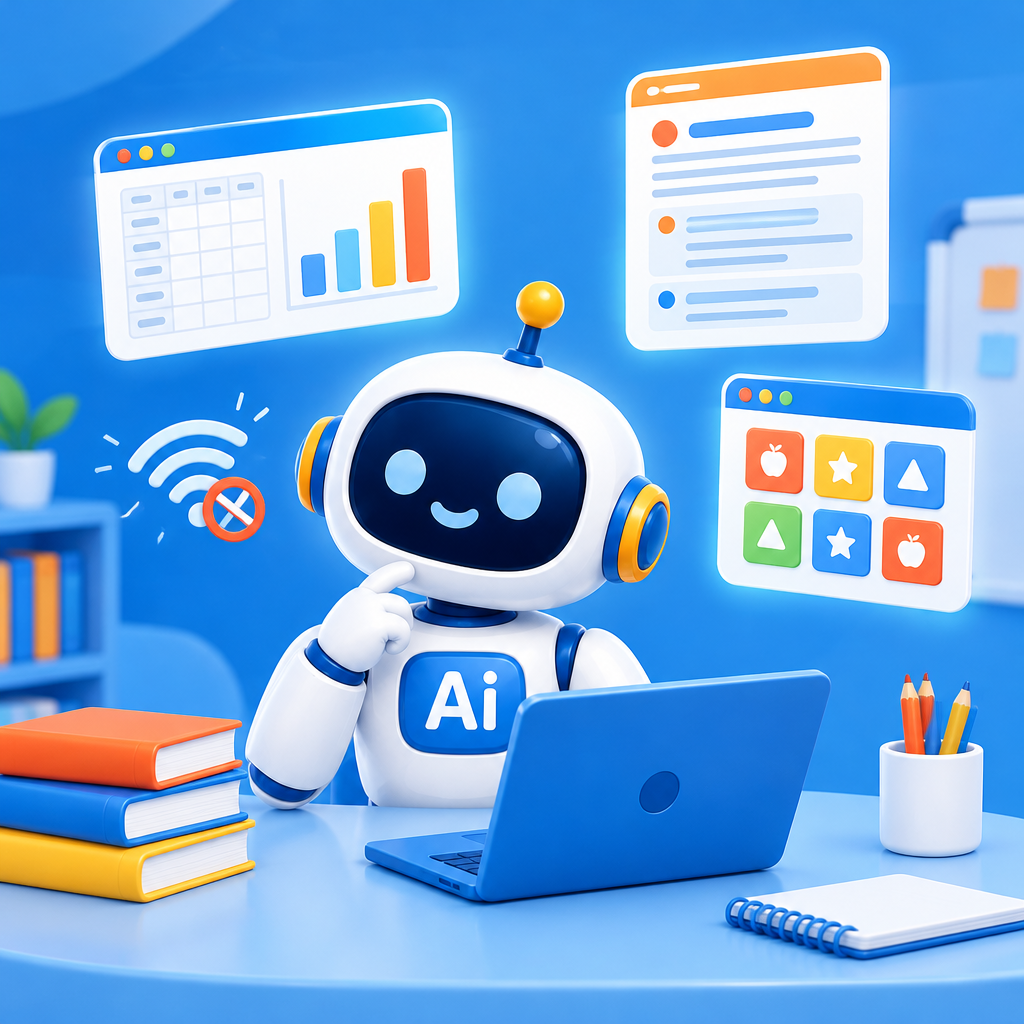
Work offline, create Office files with charts, and build a small web app without additional development tools.
Date: 2026-11-03
Category: News
You can now work offline with a local AI model in the AI-School desktop app. In this mode, your chats stay on your laptop. This means you can work with AI on things like a lesson plan or explanatory text, even without an internet connection. Administrators can disable offline mode.
You can also have Word, Excel, and PowerPoint files with real charts created. For example, an Excel analysis of an anonymized practice dataset or a presentation for your lesson. Word documents can also include a proper table of contents. You can view the results in the desktop app using its built-in viewer.
You can now build a small web app without installing additional development tools yourself. For example, have a simple practice app created for your lesson. The AI can view and test the result in the built-in browser. Then check for yourself that the content and functionality suit your lesson objectives.
Want to work with local teaching materials? When starting a new chat, use the folder button to select an approved working folder. The app can read and use documents in that folder, including scanned PDFs. Before giving a file-related instruction, check in the top-right corner that the correct working folder is active.