Your task list alongside your AI assistant
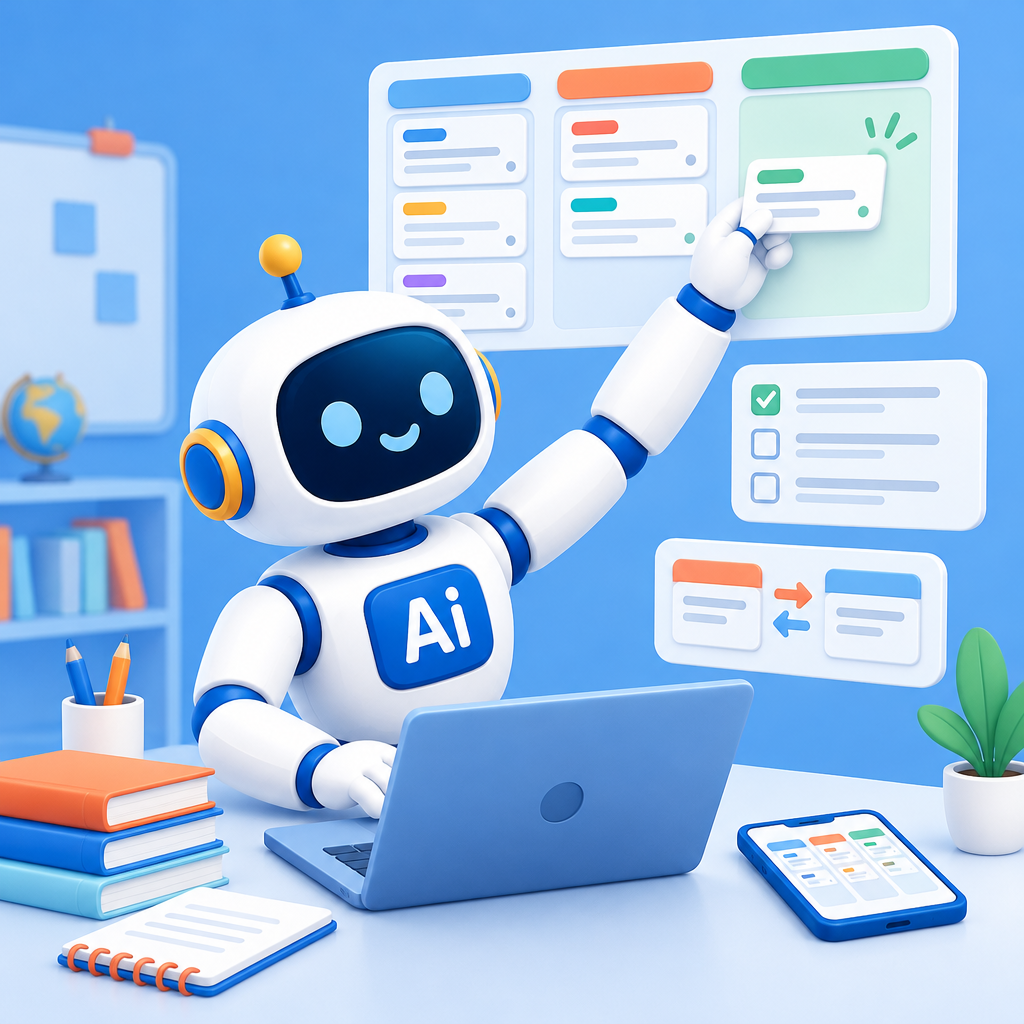
Keep track of personal tasks and shared school activities in AI-School.
Date: 2026-11-19
Category: News
AI-School now has Tasks: a place for personal and shared task boards alongside your AI assistant. You can find the feature under Knowledge Base → Personal → Tasks. Columns, labels, deadlines, checklists, and comments help you keep track of what still needs to be done.
For example, create a personal board for lesson planning, or share a board with your department to coordinate a joint exam week. You can share boards with groups, colleagues, a school, or a department. Students can also view or contribute to a board, for example when preparing a project.
My Tasks can sync both ways with Microsoft To Do or Google Tasks. This means that a change in one task list is also reflected in the other. To use Google Tasks, your school needs its own Google app.
Tasks works on the web, desktop, iPhone, Android, and Mac. You can view and update your tasks on whichever device you’re using.
Get started with a board of your own, or share one with your department.