New: Create an Assistant with AI
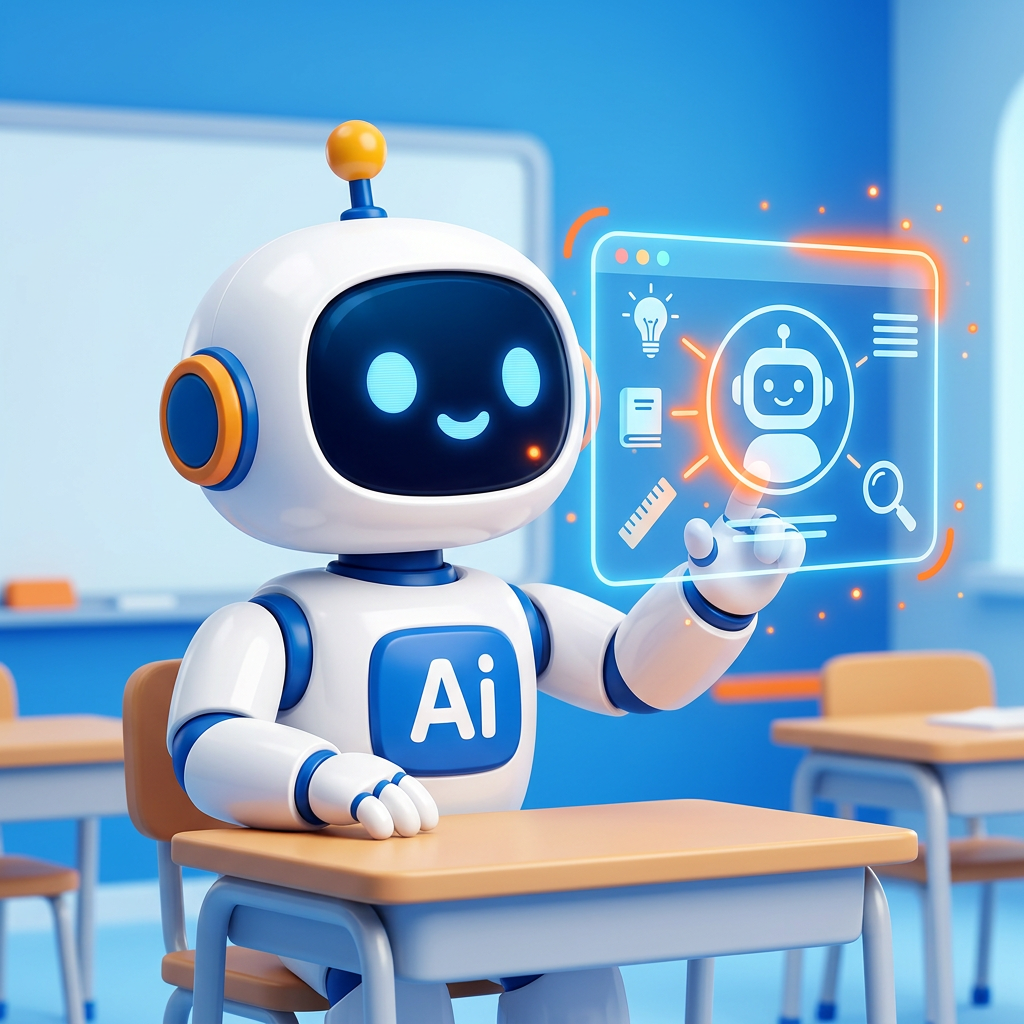
Create a smart, customized chatbot for your lesson in no time.
Date: 2026-07-31
Category: News
Within AI-School, you can use helpful assistants to give students additional explanations, provide feedback, or help them practice the lesson material. Whereas previously you had to manually configure all settings, system prompts, and models, AI-School now helps you take care of it. Starting today, you will find the new Create Assistant with AI button on the Assistants page.
With this new feature, you can start a short, smart workflow. Simply enter a name and provide a brief description of what the assistant should do—for example, a “history assistant that helps students learn about the French Revolution” or a “spelling-checking assistant.” AI-School takes care of the rest and immediately generates a complete proposal.
This proposal includes a suitable name, an initial prompt, an optimized system prompt, and the most suitable language model. Any additional tools, such as internet search, are also configured automatically if they are useful for the task. You review the proposal, make any necessary changes, and save it. The assistant is then immediately ready to use in the classroom!
Would you like to get started right away creating your own smart assistant? Go to Assistants in the menu and click Create Assistant with AI at the top. For a detailed step-by-step explanation, consult the guide via the app’s sidebar.