Access to the e-learning
To use the e-learning modules, your school's administration must first order learning modules via AI-School. Once this is done, you will gain access to the knowledge base where the e-learning courses are available.
Navigating from the dashboard
The fastest way to access your e-learning courses is directly from the dashboard:
- Open the dropdown menu on the right side of the dashboard
- Click on Courses to see the list of available courses
- Select the course you want to access
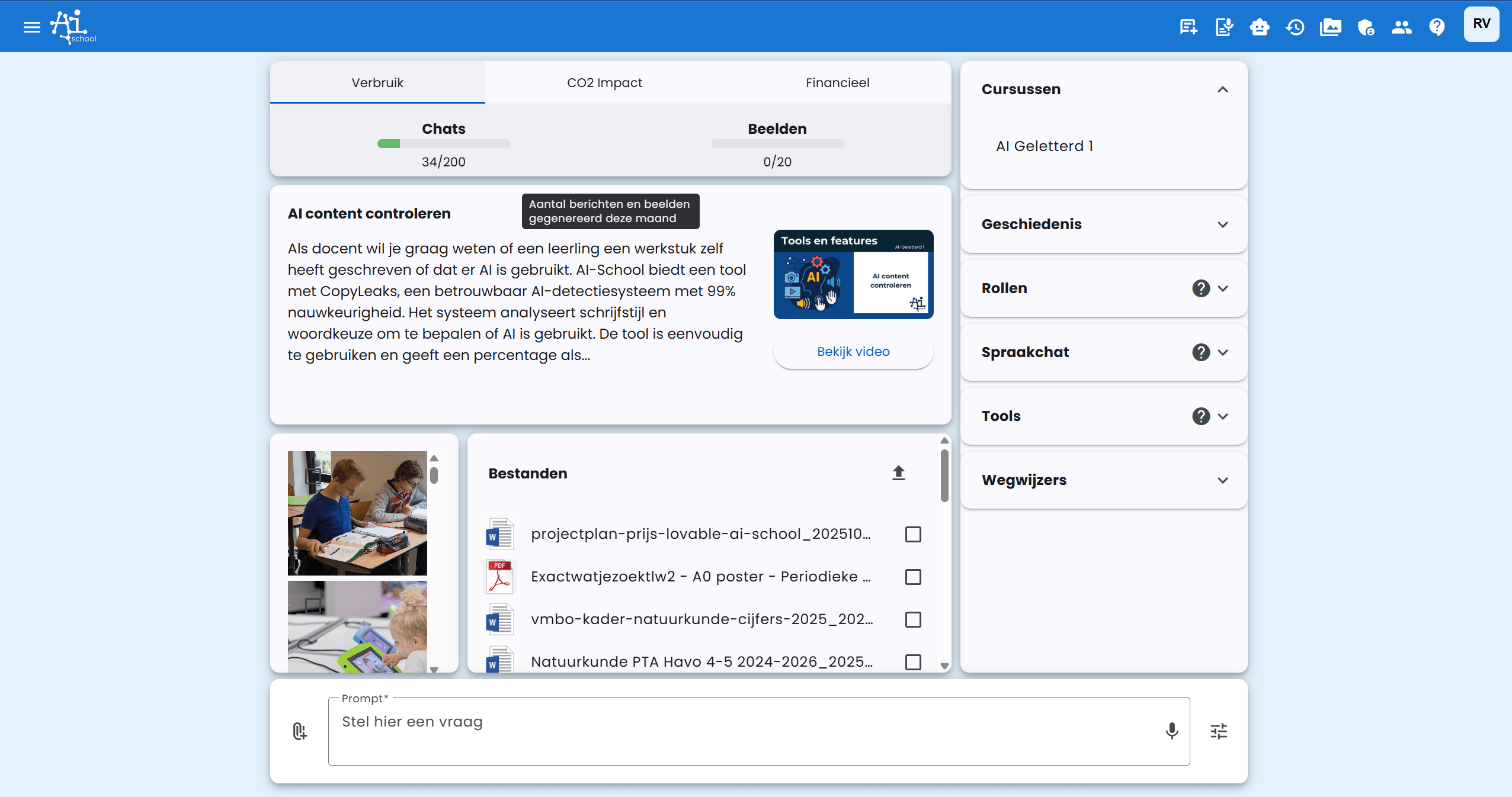
Navigating to the knowledge base
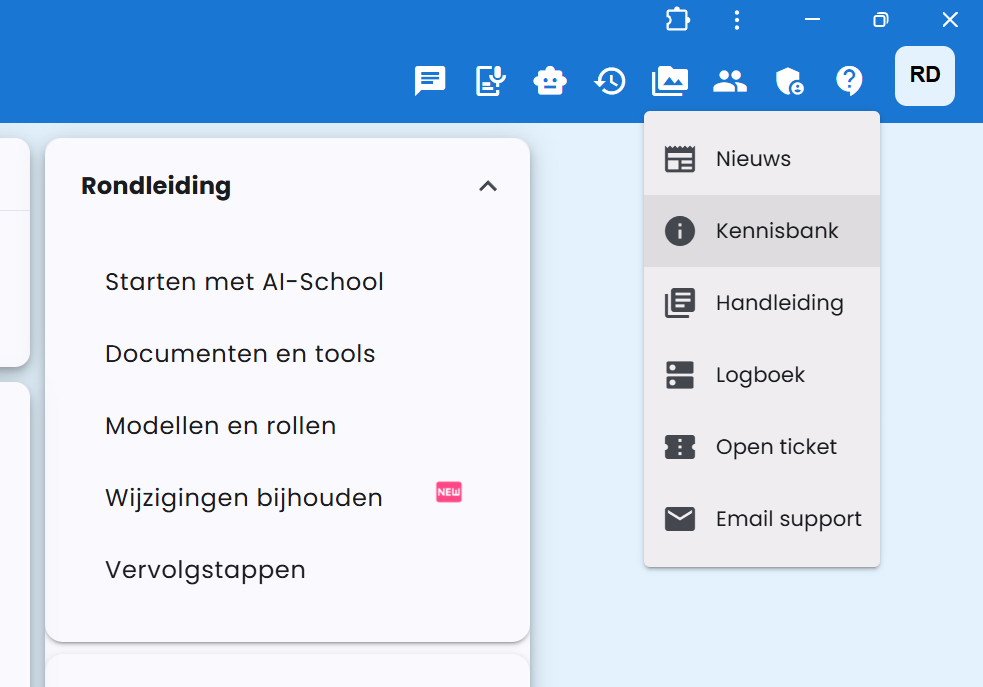
To get to the knowledge base:
- Click the question mark (?) at the top right
- Then click on Knowledge Base
Access to courses
The Knowledge Base has four sections you can expand: AI-School (the newest video, videos by category, courses, and news and updates), Personal (your overview, pinned items, and notes), your own school (documents, your departments, assistants, templates, and links), and the School Board (documents, assistants, templates, and links from the administration). The Knowledge Base opens on AI-School → New, where you can immediately play the newest video.
If your school has ordered learning modules, each course will be listed in the Knowledge Base under AI-School → Courses.
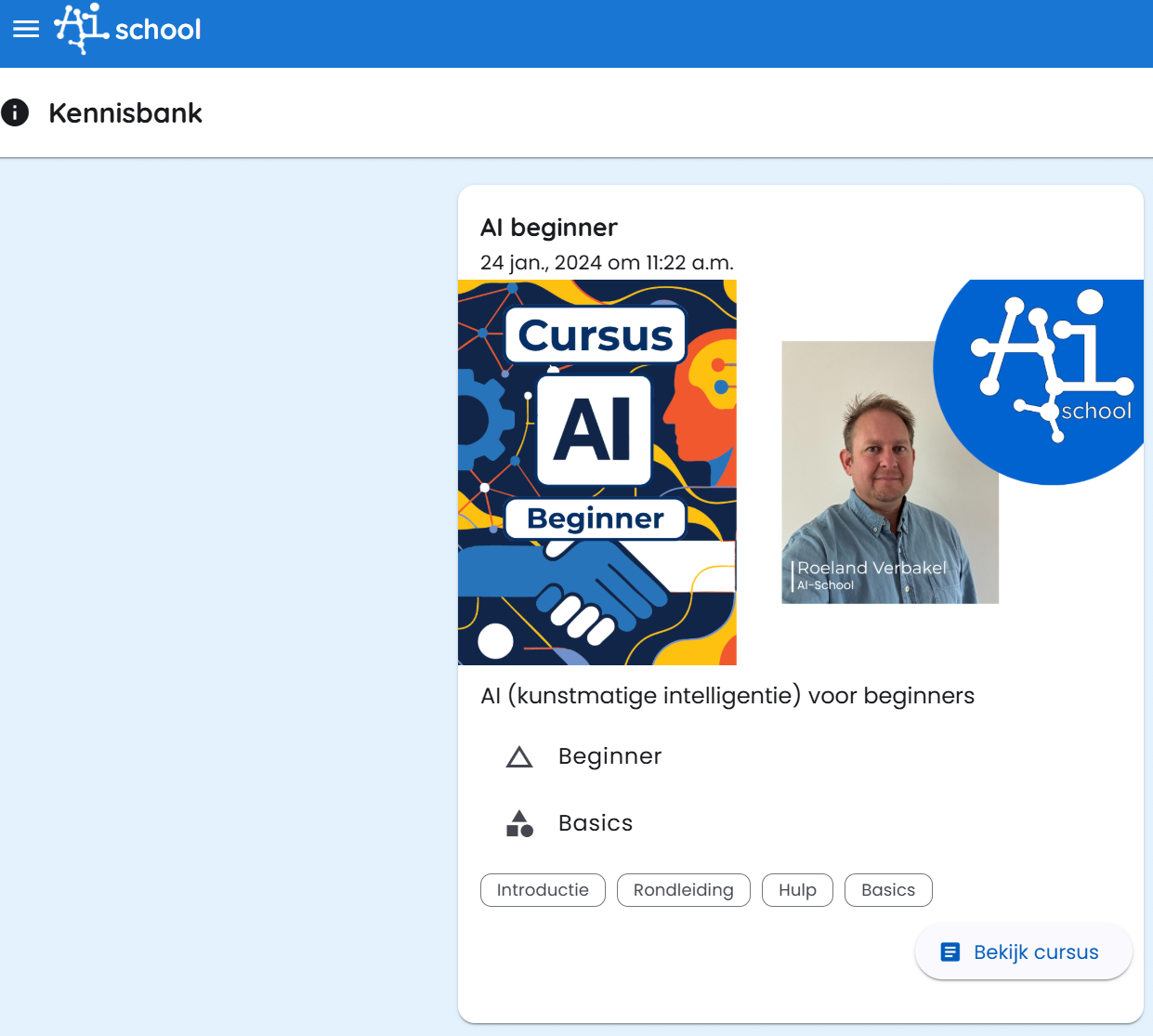
By clicking on a course tile, you gain access to that specific e-learning module.
What if you don’t see a course tile?
If you don’t see a course tile in the knowledge base, this may mean that:
- Your school has not yet ordered learning modules
- There is a technical issue
In that case, contact your school’s administration or AI-School support.